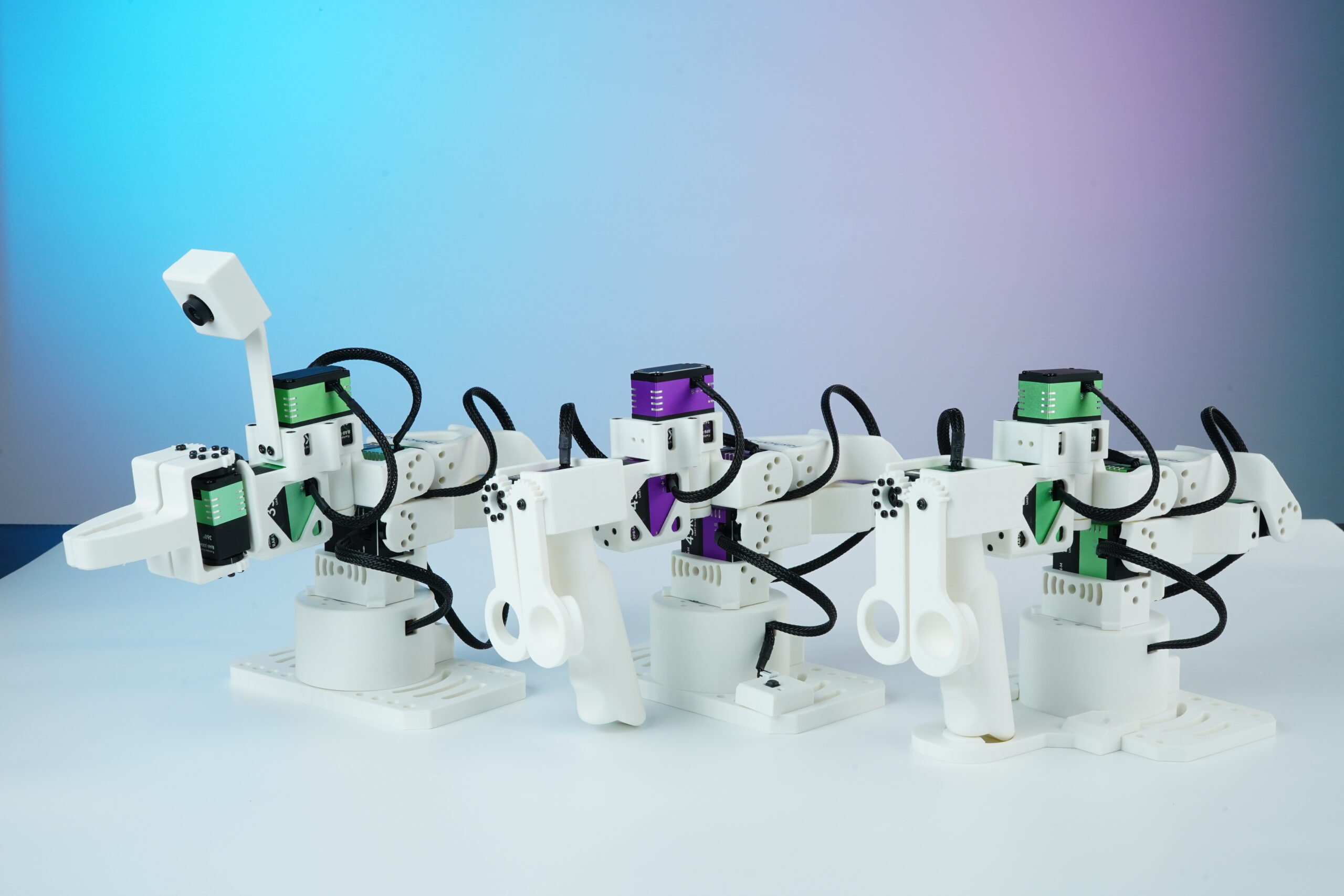
Compare Star Arm 102 Models at a Glance
Choose the right leader or follower arm for teleoperation, data collection and task execution, or compare all affordable robot arms by price.
Explore Fashion Star repositories, code examples and development resources on GitHub.
Swipe to compare →
| Specification | Star Arm 102-LD | Star Arm 102-HD | Star Arm 102-FL |
|---|---|---|---|
| Core Position | Lightweight teaching / rapid data collection | Professional hover teaching / high-precision collection | Task execution / physical operation |
| Reach | Standard | 420mm (large reach) | Standard |
| DoF | 6+1 | 6+1 | 6+1 |
| Weight | 721g | 883g | 791g |
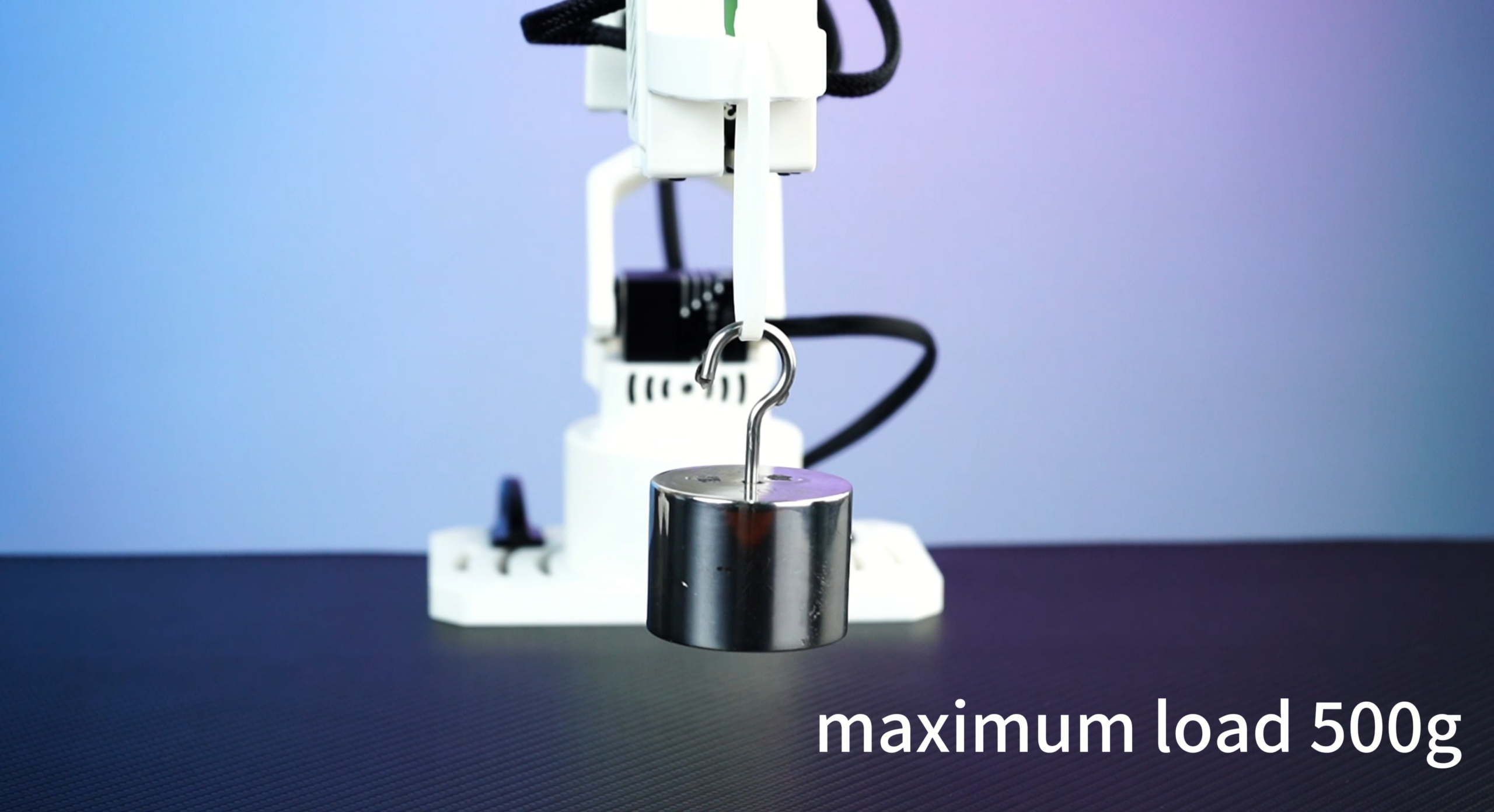
| Payload | No operational load | No operational load | 500g |
| Repeatability | - | - | 5 – 8 mm |
| Hover Function | ❌ No, drops when released | ✅ Hover | ✅ Position hold |
| Servo Configuration | RA8 series lightweight low-damping | RP8-U45H-M all high-torque | RA8-U35H-M + RX8-U50H-M |
| Power Supply | 12V 2A | 12V 10A | 12V 10A |
| Python SDK | ✅ Supported | ✅ Supported | ✅ Supported |
| ROS2 Humble | ✅ Supported | ✅ Supported | ✅ Supported |
| MoveIt2 | ❌ Not supported | ❌ Not supported | ✅ Supported |
| Gazebo Simulation | ❌ Not supported | ❌ Not supported | ✅ Supported |
| LeRobot | ✅ Teleoperator | ✅ Teleoperator | ✅ Execution robot |
| Independent Operation | Collection only, handheld drag | Collection only, hover hold | Requires program or master control |
| Best For | Education demos, entry-level data collection | Research-grade precision collection, professional teleoperation | Algorithm development, automation experiments, physical execution |


Built for Teaching, Teleoperation and Open Robotics
Nine capabilities across hardware, dexterity and ecosystem — covering the full Star Arm 102 workflow.
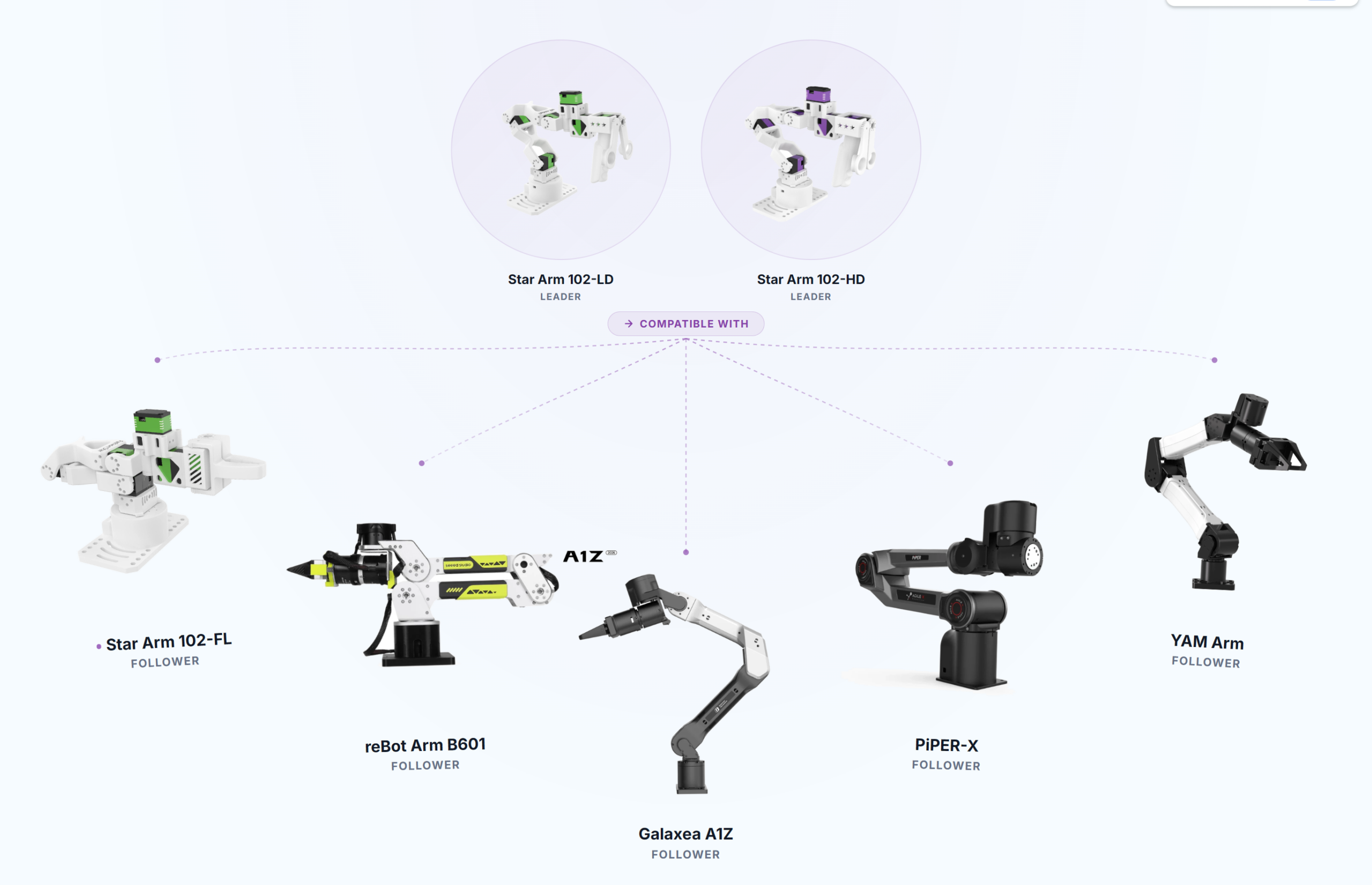
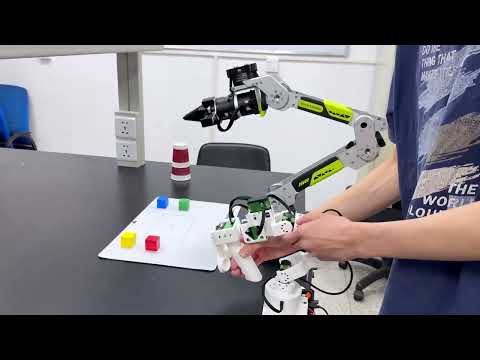
Flexible Leader–Follower Pairing
The Star Arm ecosystem supports flexible leader–follower pairings across compatible models, including the Star Arm 102-FL follower arm.
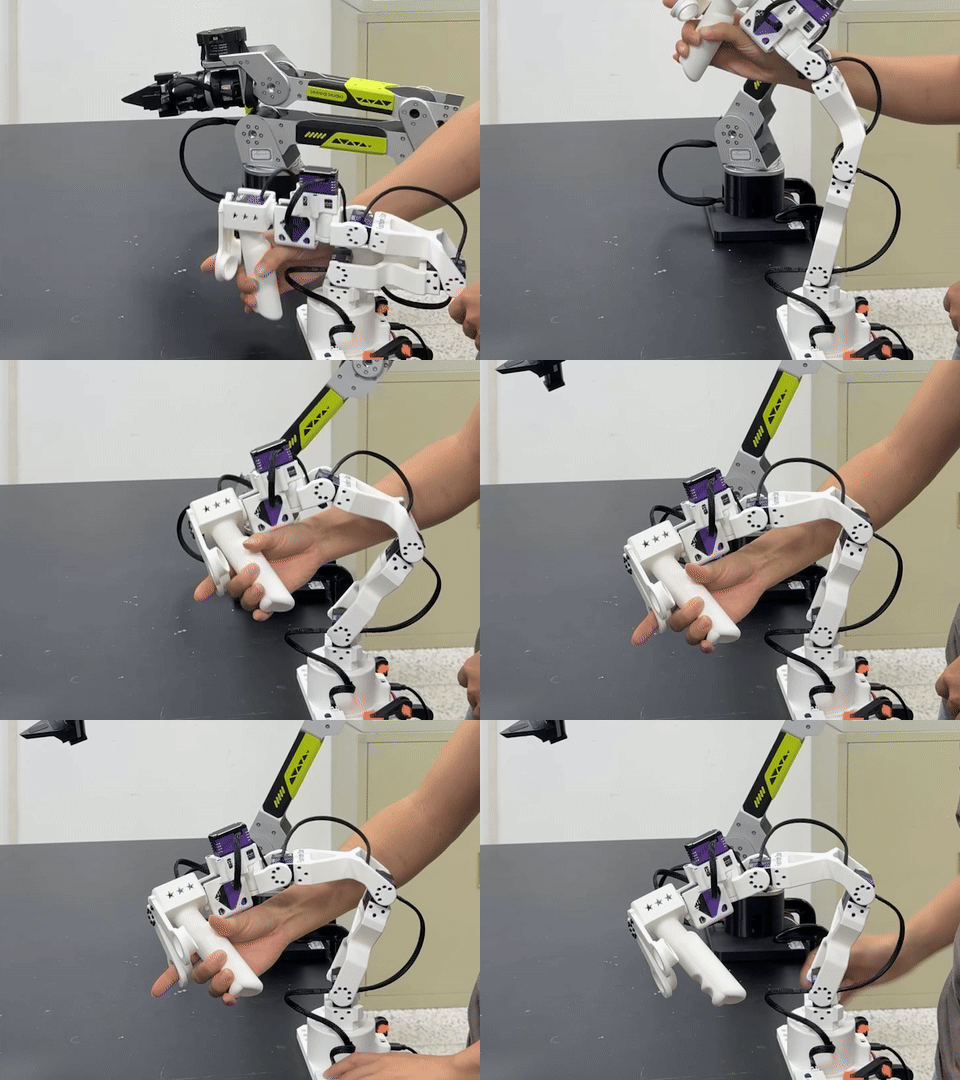
Hold Any Pose
Let go of the Star Arm 102-HD and it stays where you place it—without sagging under its own weight.
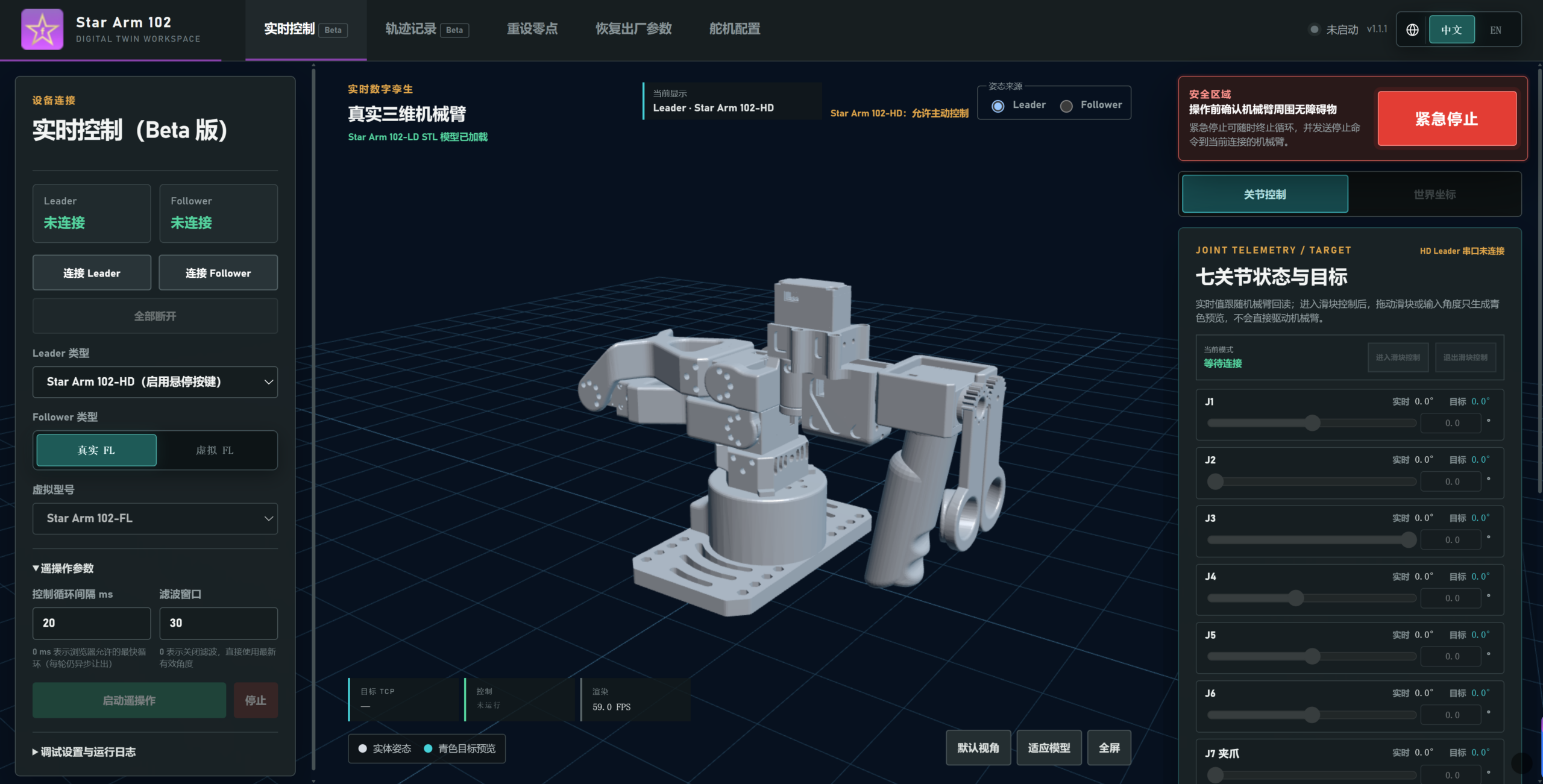
Digital Twin Workspace
Open the web-based controller in any browser—no installation or coding required. Control the arm in real time, monitor joint angles, run one-click zero calibration and tune PID parameters with ease.
High-Torque Servos
High-torque servos deliver stable, controlled movement for precise teleoperation.
500 g Payload
The Star Arm 102-FL follower arm supports payloads up to 500 g.
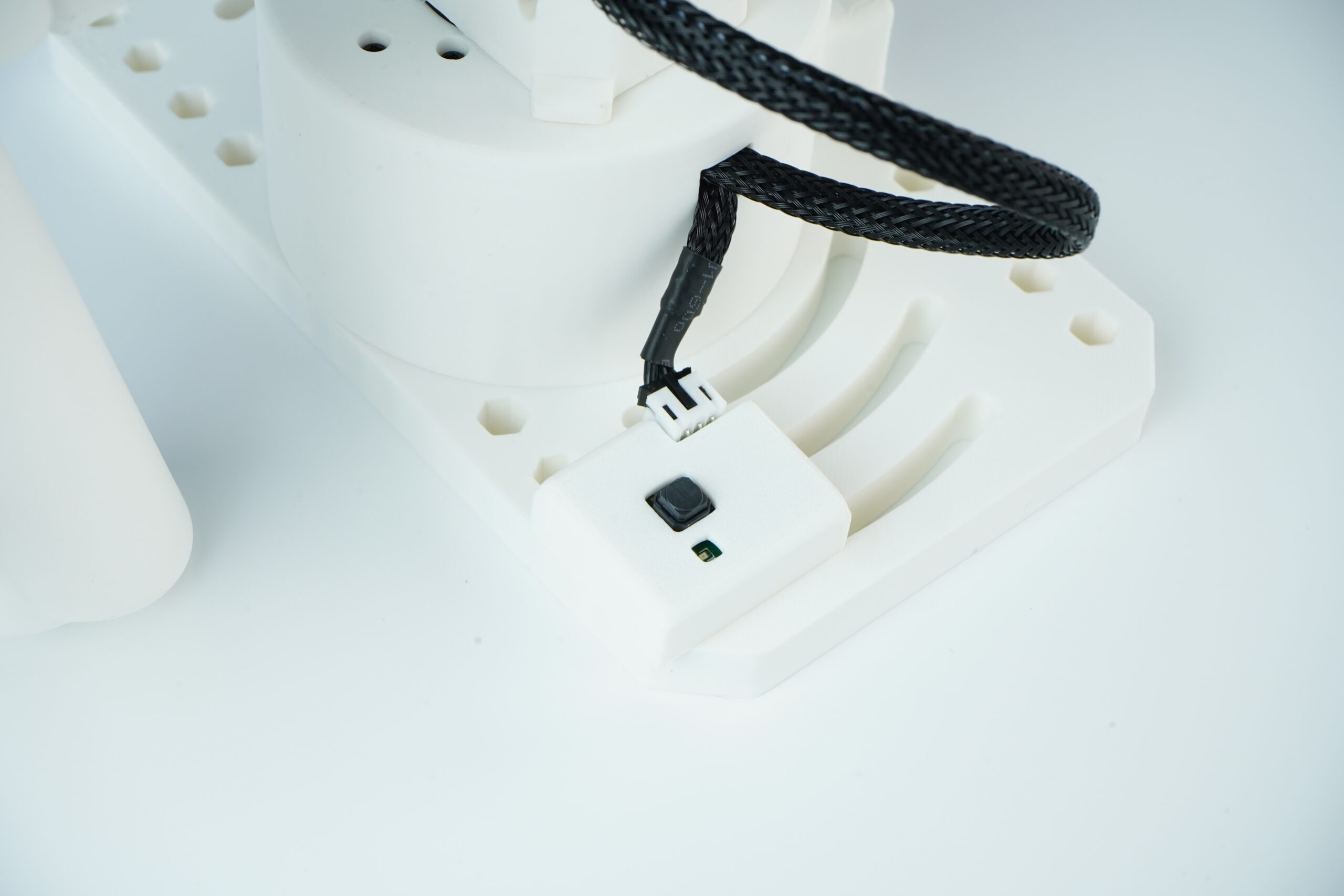
Pose Holding
The Star Arm 102-HD keeps its pose steady after release.
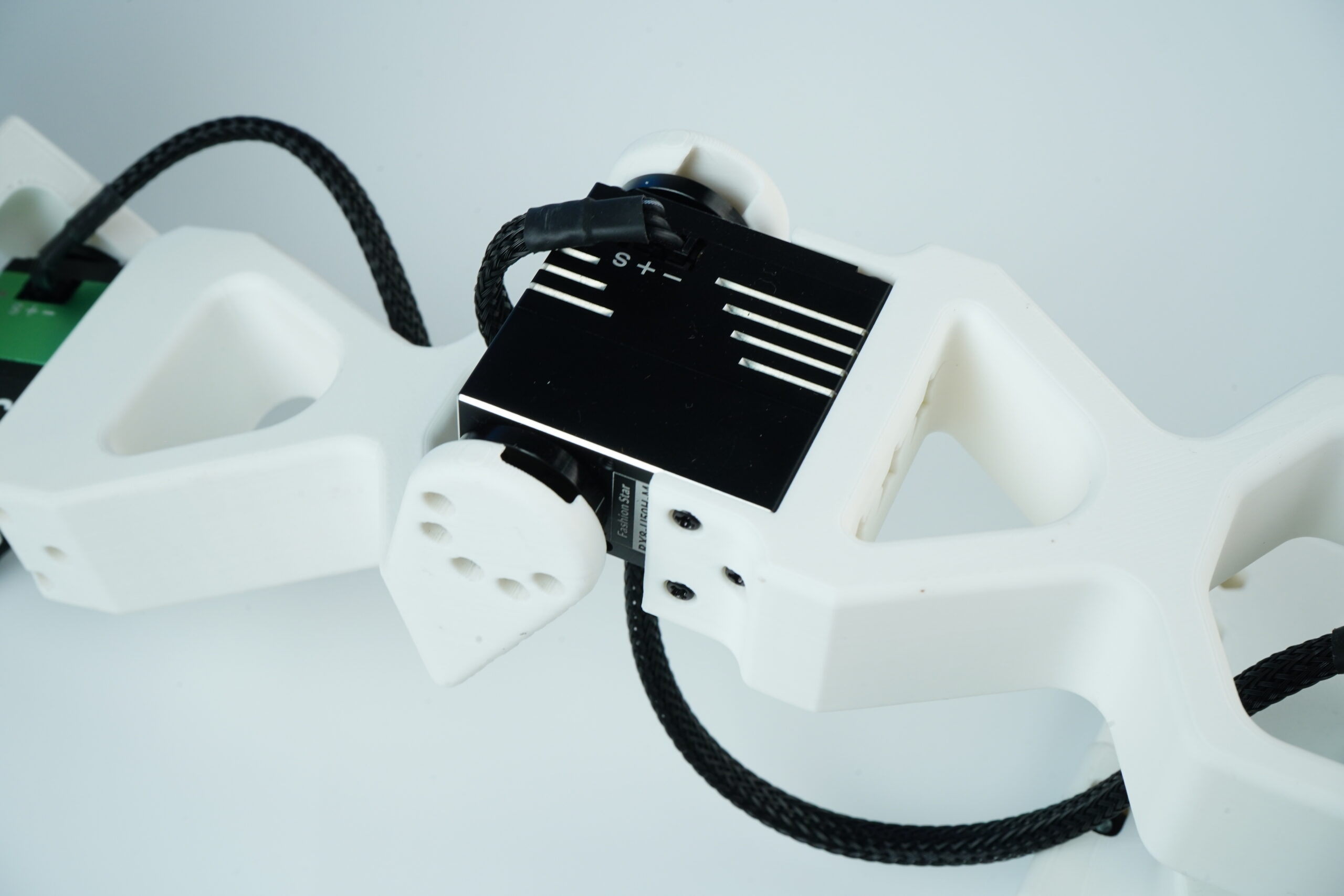
Precise Feedback
Feedback keeps motion controlled and repeatable during teleoperation.
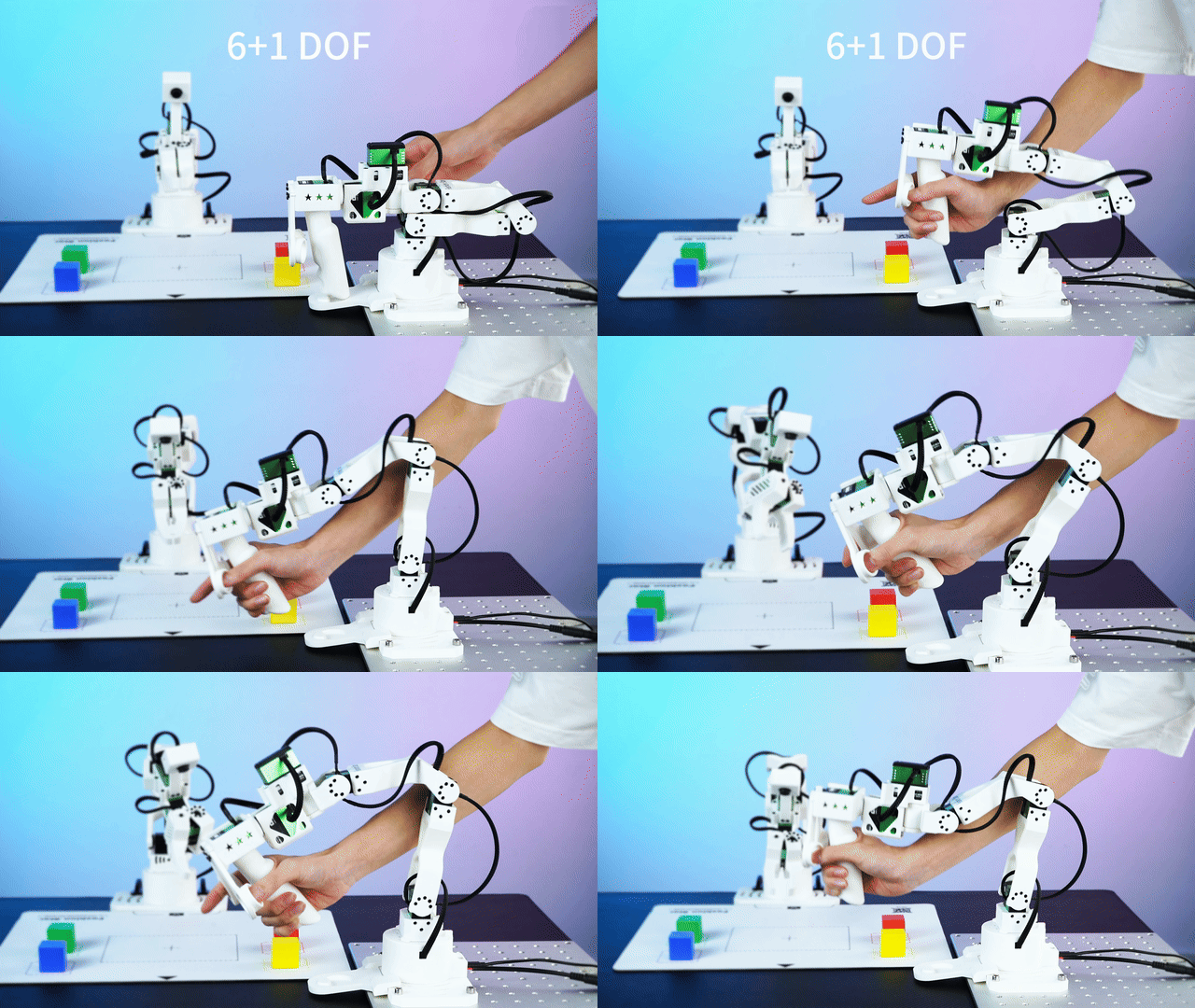
6+1 DOF
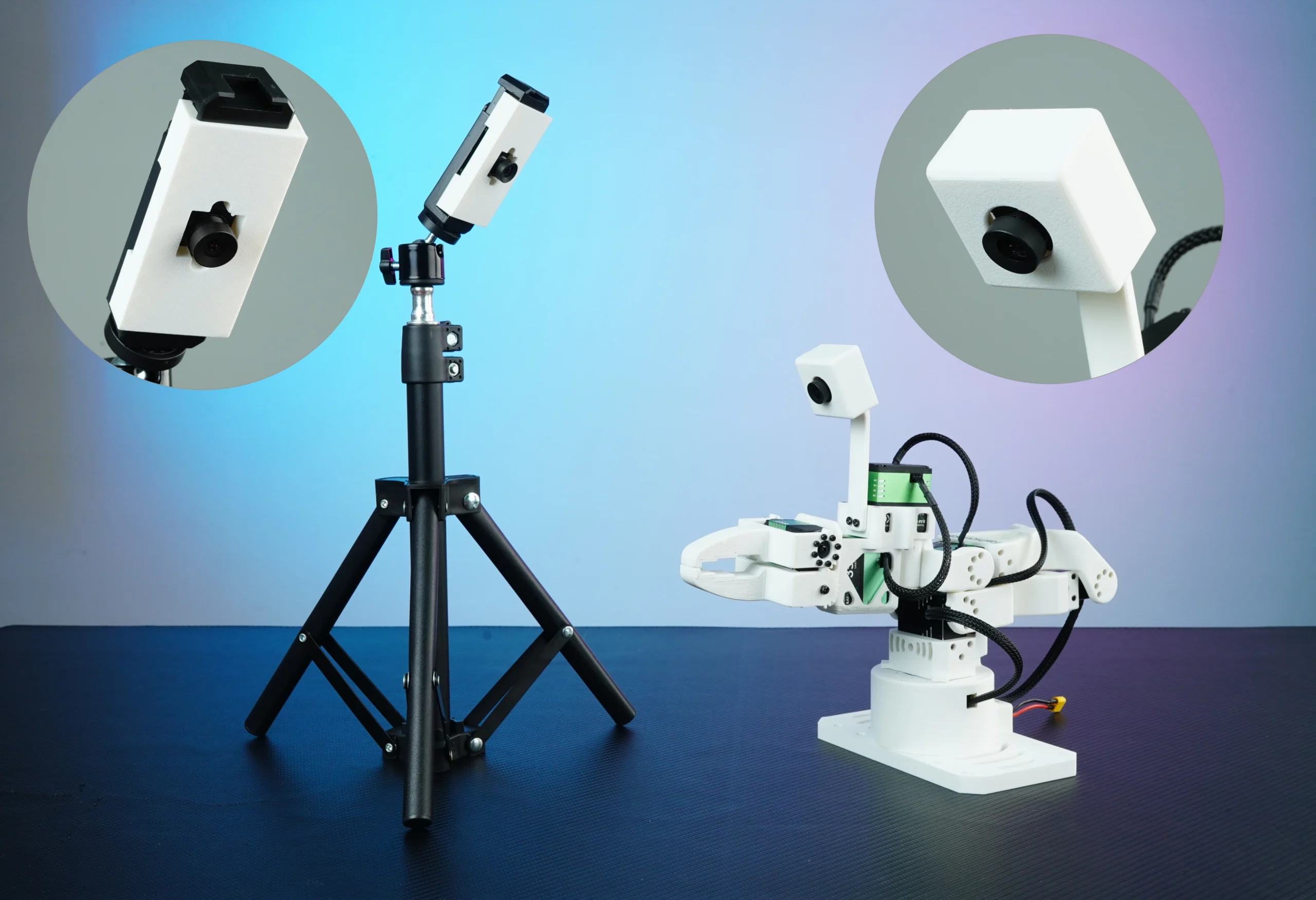
Camera Vision
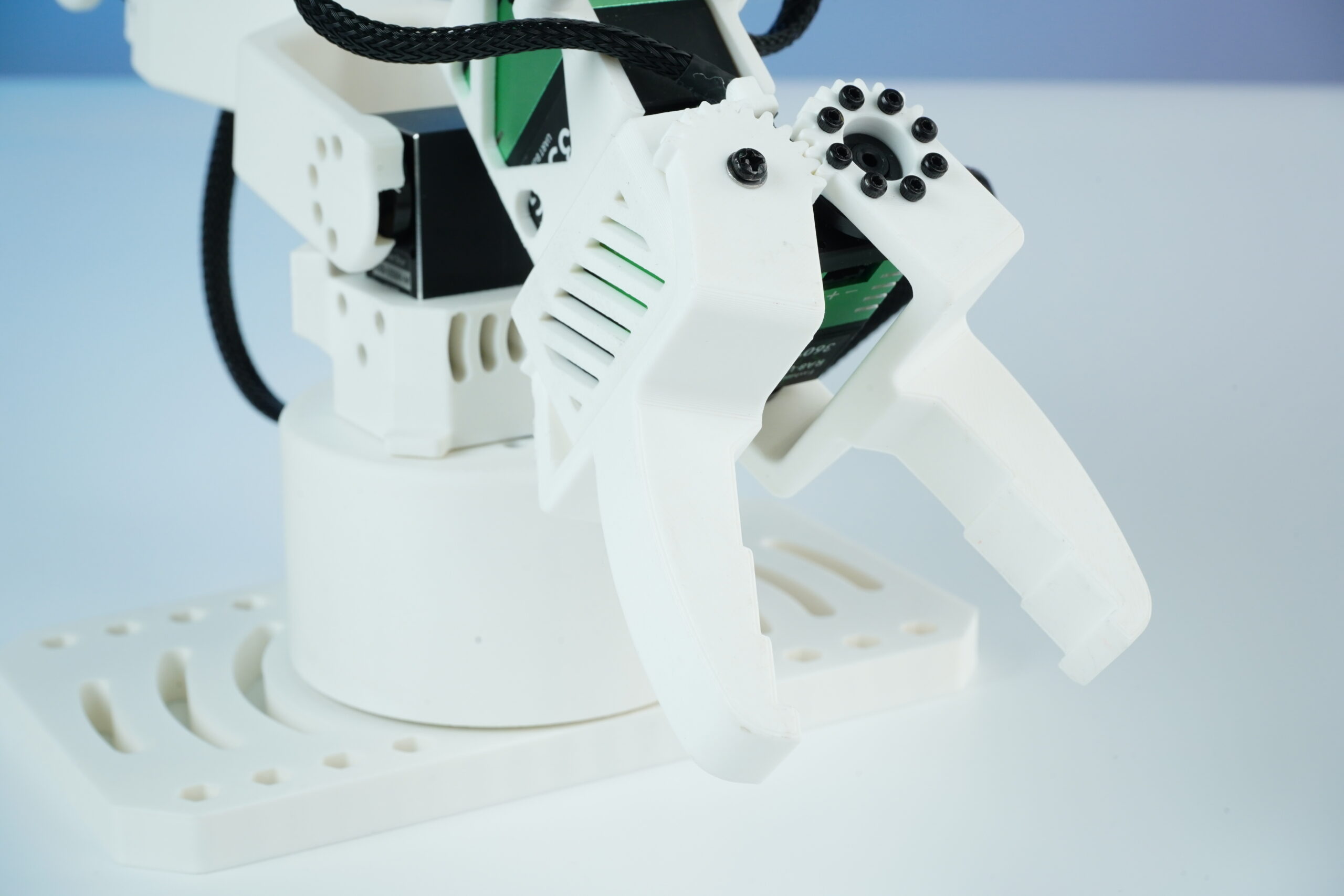
Interchangeable Soft Gripper
What Makes the Star Arm 102 an Open Source Robot Arm?
The Star Arm 102 is an open source robot arm with published hardware resources (CAD drawings, editable STEP files, 3D-printable parts and a BOM), a public serial-bus protocol and configuration tools, an open software stack (Python SDK, ROS 2 Humble, MoveIt2 and Gazebo), and public documentation and repositories.
- Star Arm 102 hardware files for printing and assembly connect builders to drawings, selected editable STEP components, printable LD structural parts and the bill of materials needed to identify purchased components.
- Star Arm 102 tools for serial-bus configuration and diagnostics explain device connections, servo parameters and joint feedback for checking communication before motion tests.
- Star Arm 102 ROS 2 setup for planning and simulation complements the Python SDK with Humble packages, MoveIt2 motion planning and Gazebo simulation workflows for the FL follower.
- Star Arm 102 repository for source code and documentation brings together hardware resources, control examples and integration guides so developers can inspect the implementation and build on the provided workflows.
Hugging Face LeRobot documents Star Arm 102, also called reBot Arm 102, as the leader teleoperator for reBot B601-DM in its reBot B601 calibration and teleoperation guide.




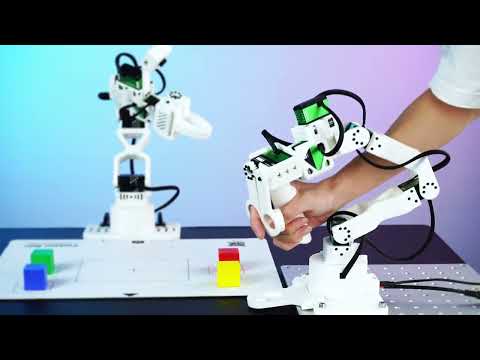
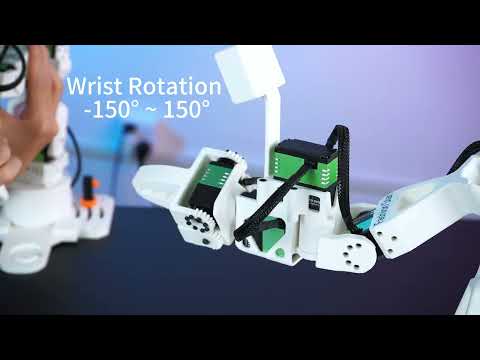
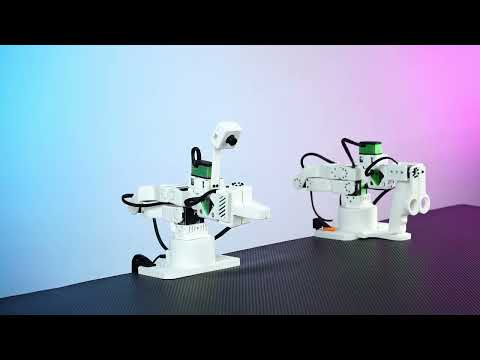
Watch Star Arm 102 in Action
Recognition & Ecosystem
Star Arm 102 is documented, supported, and actively used across open-source robotics ecosystems and developer events.
 Ecosystem
Featured in Hugging Face LeRobot Docs
StarArm 102 is officially documented in LeRobot. Developers can use a standardized workflow for device configuration, teleoperation, data collection, and deployment — no custom adapter required.
 Event
Event
Physical AI at Revolute 2026
Star Arm 102 served as the leader arm for teleoperation, demonstration data collection, and imitation-learning experiments at the MITERS hackathon in Cambridge, Massachusetts.
 Resources
Open Development Resources
Python SDK, ROS 2 with MoveIt 2, Gazebo simulation, CAD files, and assembly guides — all maintained and versioned for the Star Arm 102 series.